Flux 3 Gallery and Prompts
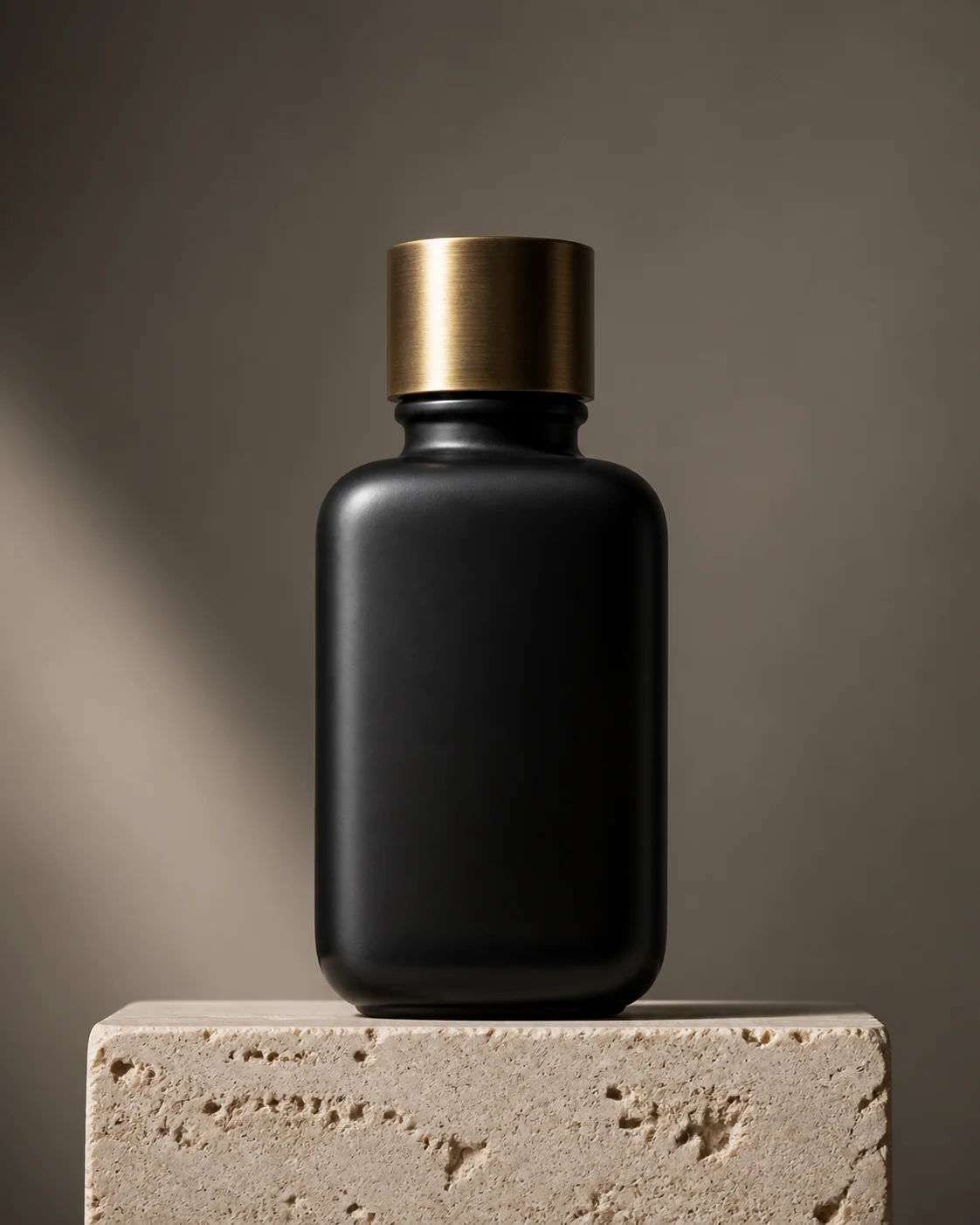
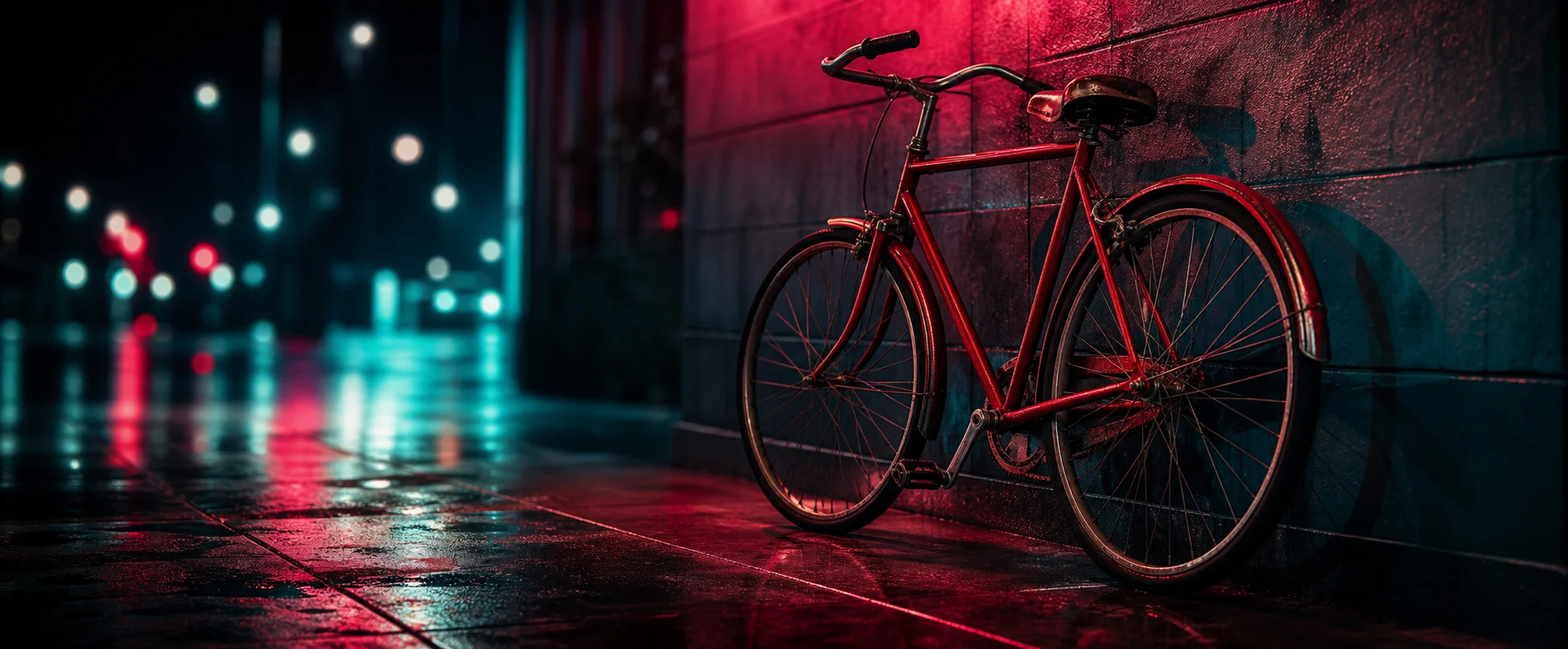
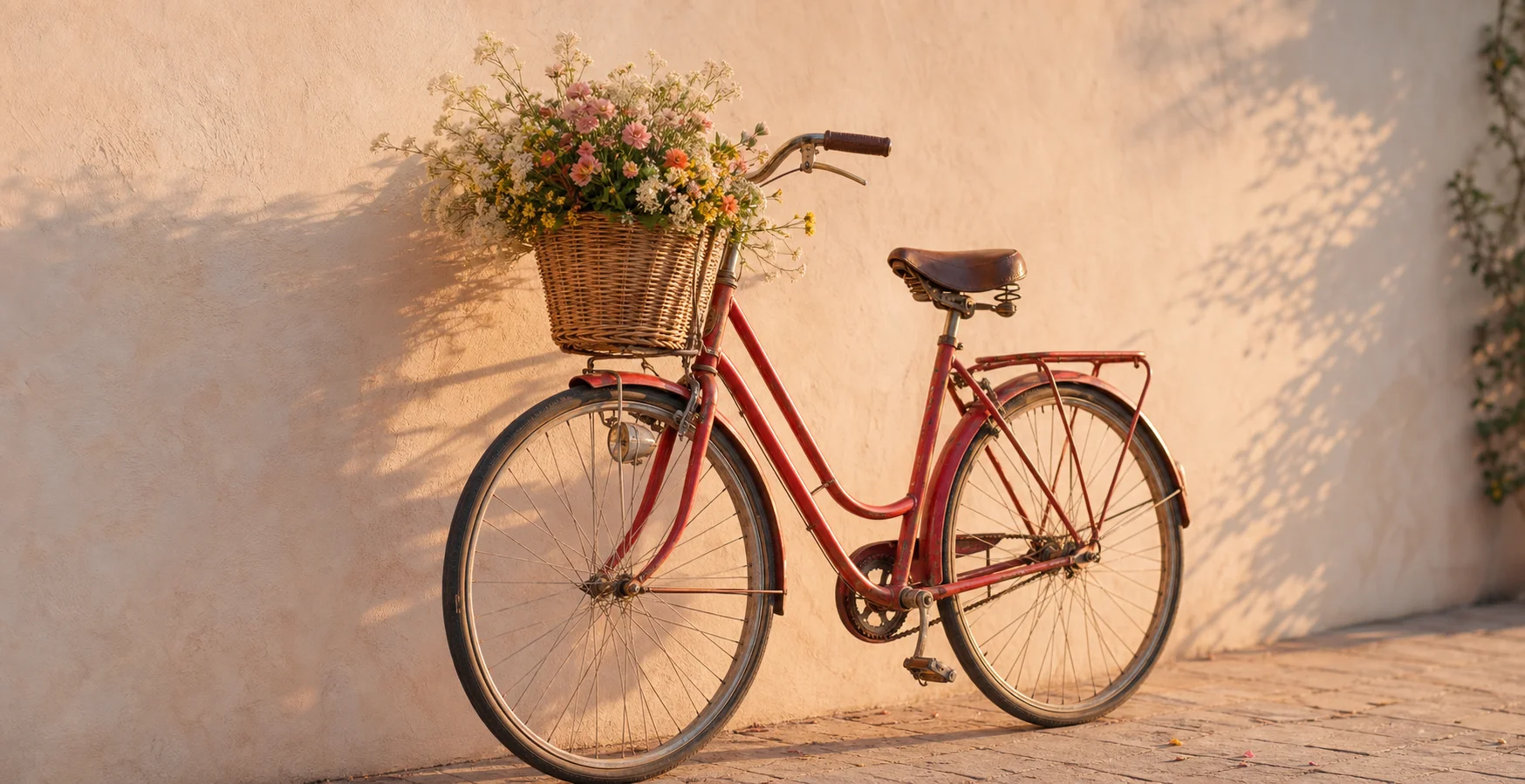
Real Flux 3 renders, each with the prompt that made it, and a remix button that loads it into the generator.
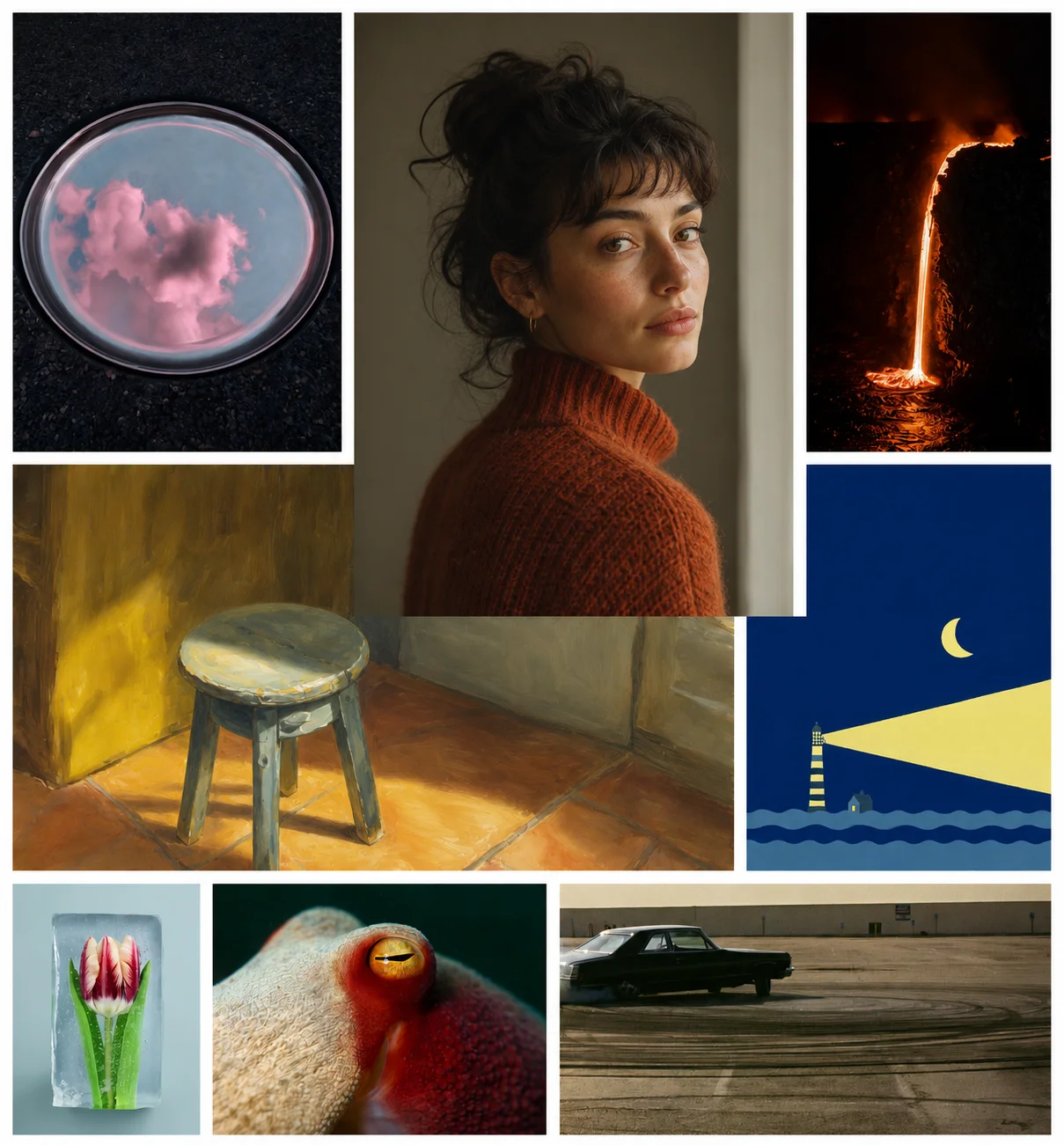
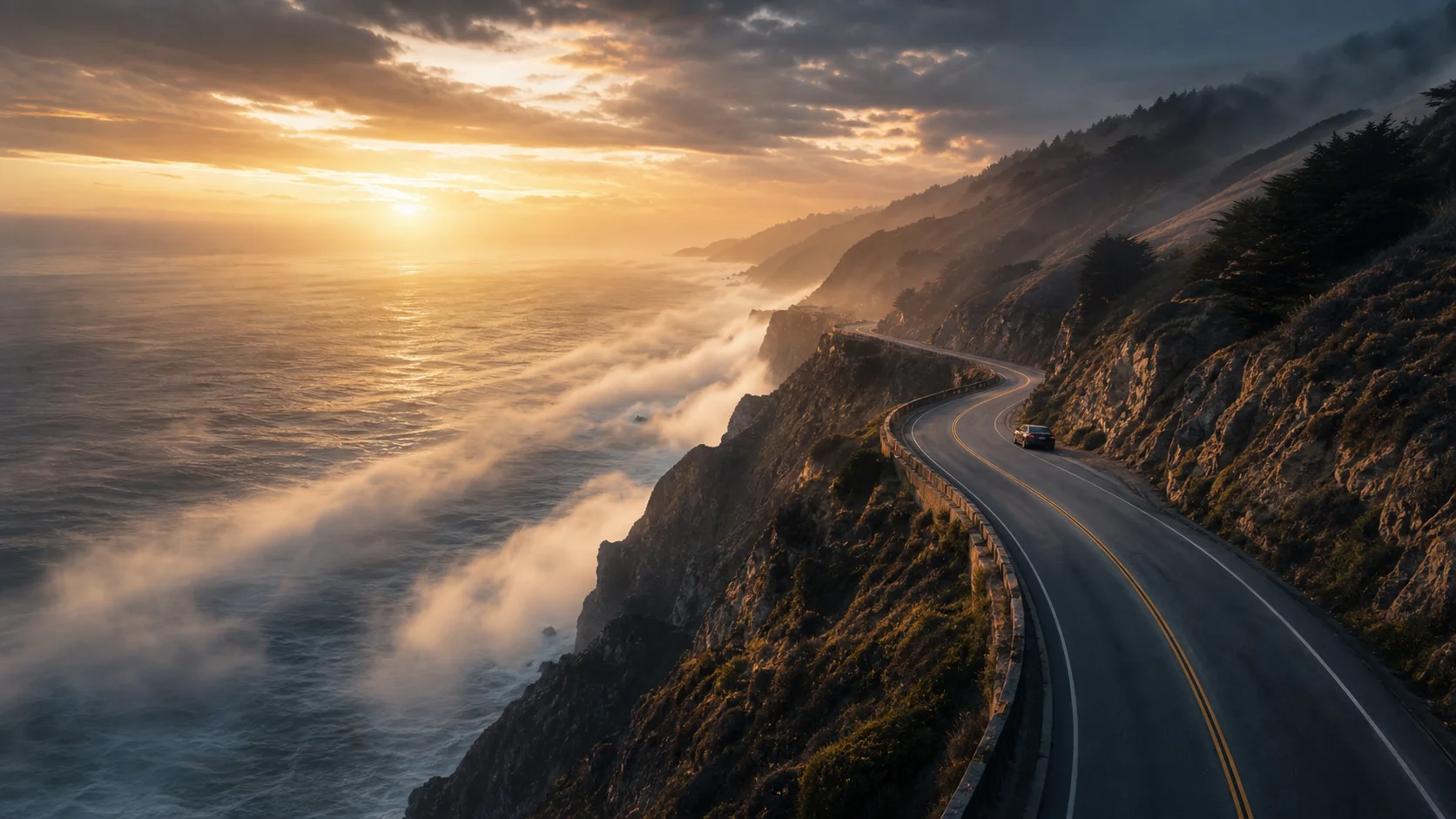
This is the Flux 3 gallery. Every image here came out of the same free generator embedded further down this page, and every one is printed with the exact prompt that produced it. That pairing is the useful part — a good render tells you what Flux 3 can do, but the prompt tells you how to get there yourself.
Filter the grid by style to see how the same engine handles photorealism, cinematic lighting, isometric 3D and flat illustration. When something looks close to what you need, press remix and the prompt drops straight into the Flux 3 tool below, where you can edit it and generate your own version free, with no sign-up and no credits.
Free generator
Remix any prompt in the free Flux 3 generator
Press remix on a card above and the prompt lands here. Edit it, pick a ratio and generate free.
Free and anonymous. Verified by Turnstile — no account needed.
Prompting
How Flux 3 handles each style
Style in Flux 3 is carried by the medium clause of the prompt rather than by a separate switch. Naming a 35mm photograph, an isometric 3D render, a matte painting or an editorial fashion shot moves the whole render — lighting model, depth of field, colour handling and level of detail all shift together. The style chips in the generator do exactly this: they append a medium clause to whatever you have written.
Reading a Flux 3 prompt
Look at the prompts under the images above and the same shape repeats: subject first, then setting, then lighting, then medium. Flux 3 weights earlier clauses more heavily, so that ordering is doing real work. When you remix one of these into the generator, change one clause at a time — swap the medium and keep the subject, or keep the medium and move the scene — and you will learn more in five renders than in fifty rewrites.
Generate with Flux 3 free
No sign-up, no credits, no waitlist. Write a prompt and Flux 3 renders it in seconds.