Flux 3 Image Model
Flux 3 Image is the flagship text-to-image model, and it is free to use on this page.
Free generator
Try the Flux 3 Image generator free
This is the real Flux 3 text-to-image engine. Write a prompt and it renders, with Turnstile as the only gate.
Free and anonymous. Verified by Turnstile — no account needed.
Capabilities
What Flux 3 Image excels at
Flux 3 Image is the text-to-image foundation of the whole Flux 3 family. It was tuned for three things at once: following a long prompt exactly, rendering surface texture that survives a full-resolution crop, and spelling words correctly when you ask for words. It is the model that powers the free generator below, so everything described on this page is something you can verify yourself in the next thirty seconds.
Unlike the closed image models it is usually compared against, the Flux 3 Image generator here needs no account, no email and no credit balance. You write a sentence, choose an aspect ratio, and download a watermark-free file.
Photorealism:
skin texture, refraction through glass and water, and micro-detail that holds up when you crop into the render at full resolution.
Typography:
signage, packaging copy and logo text render with correct spelling instead of the garbled lettering that older image models produce.
Prompt adherence:
dense, multi-subject prompts are followed as written, including spatial instructions like behind, to the left of, and reflected in.
Style range:
cinematic 35mm photography, anime, isometric 3D render and oil painting are all reachable from the same Flux 3 Image checkpoint.
Samples
Flux 3 Image samples
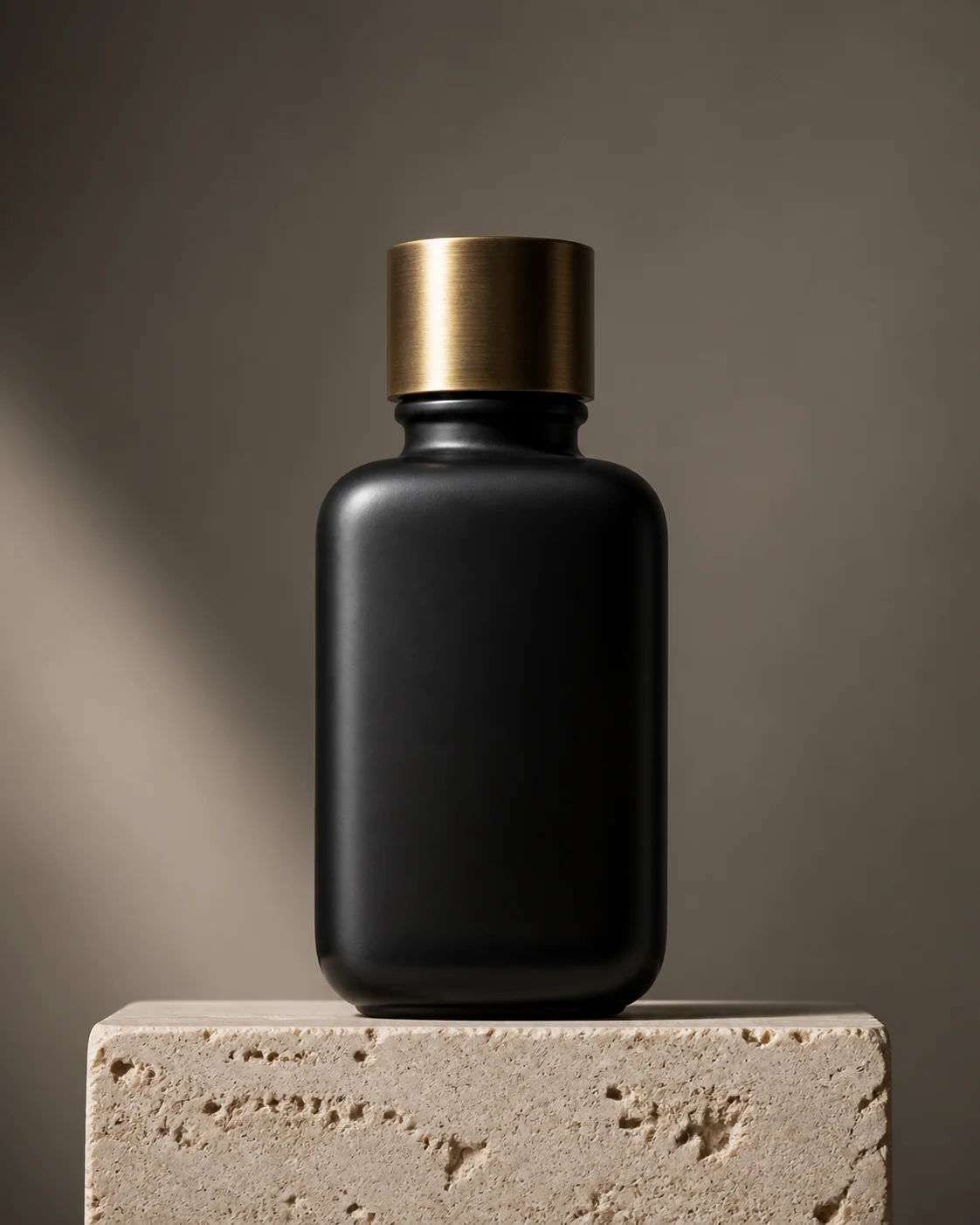
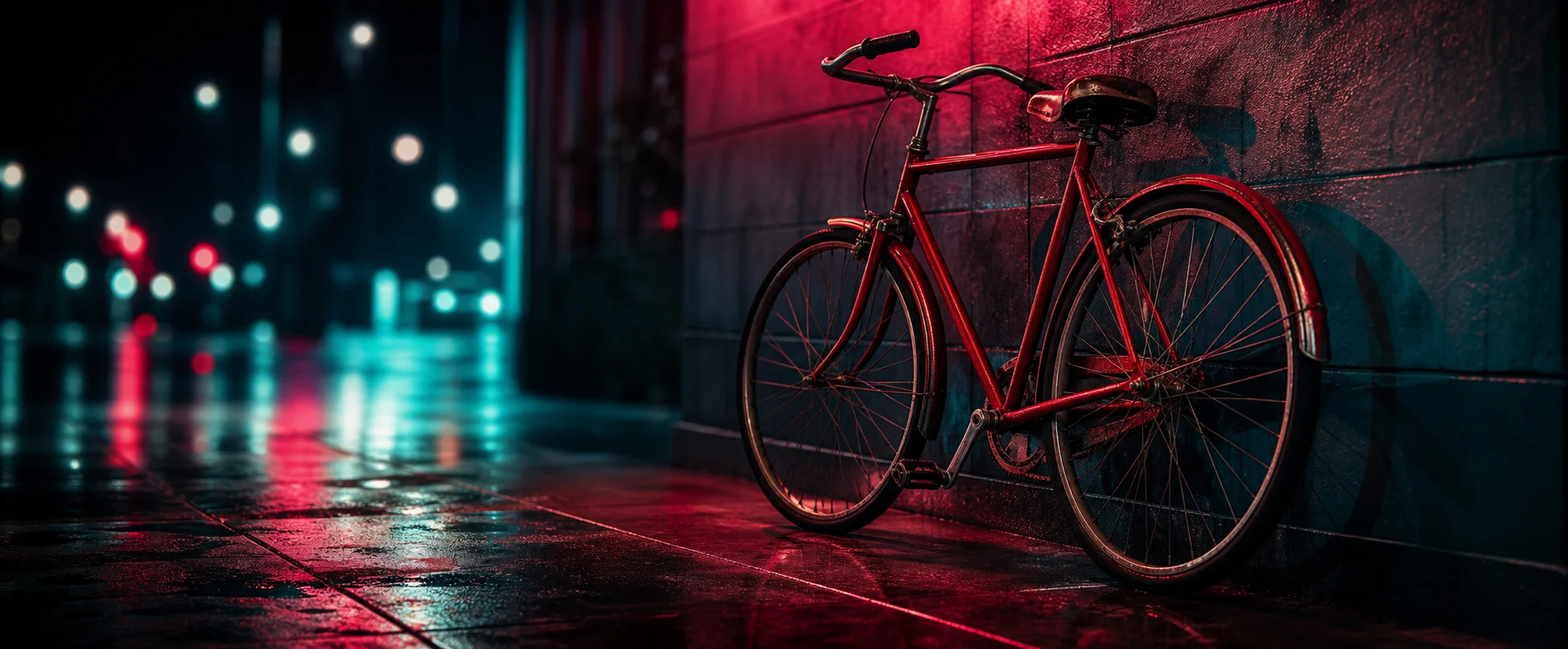
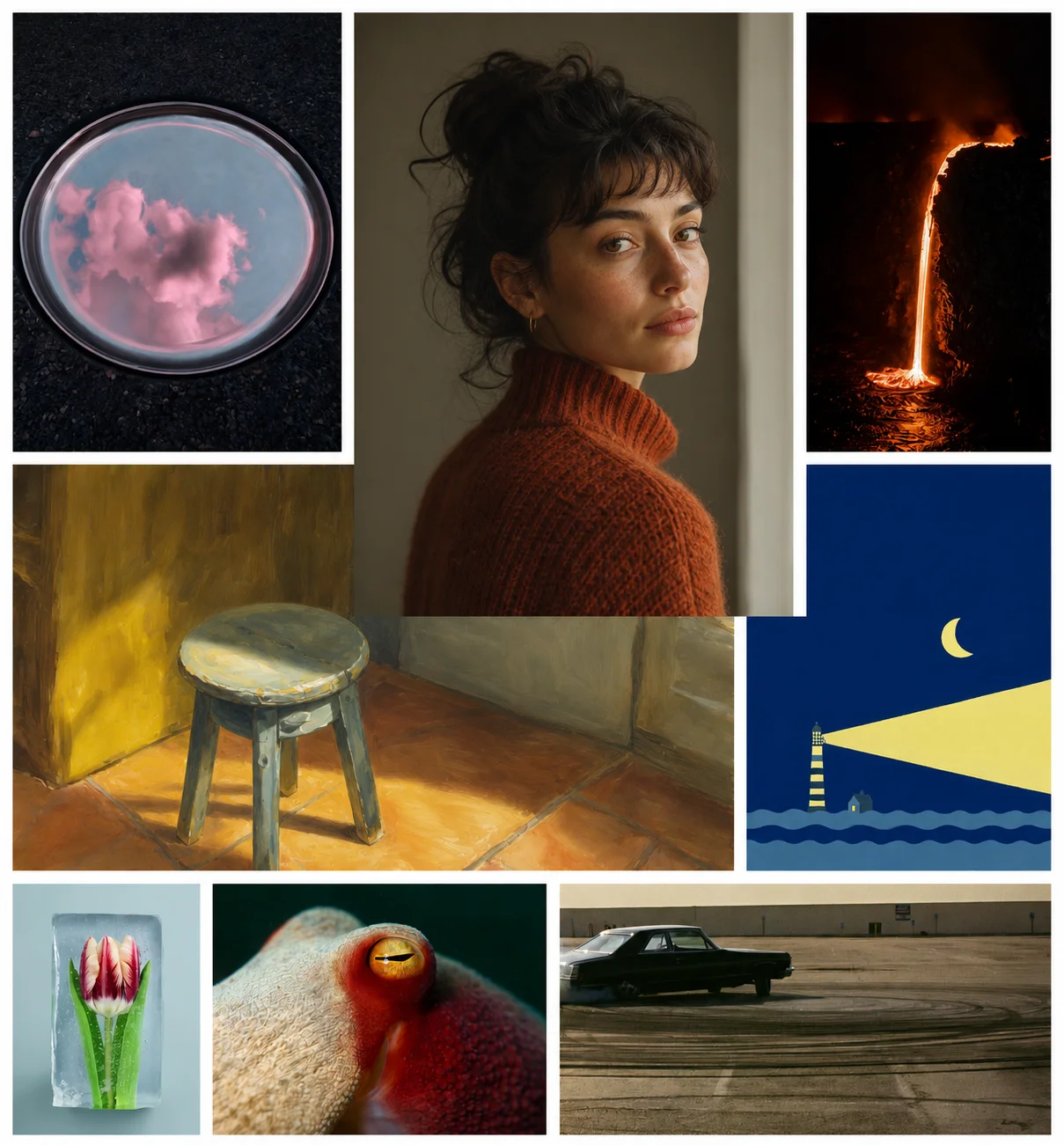
Every sample below came out of this generator from the prompt printed underneath it.
Specifications
Specifications and limits
| Feature | Detail |
|---|---|
| Input type | Text prompt |
| Supported aspect ratios | 1:1, 16:9, 3:2, 2:3 |
| Speed | About 2 to 5 seconds per render |
| Cost | Free, no credits required |
How it works
How to use Flux 3 Image free
- 01
Open the Flux 3 generator:
it sits at the top of this page. There is no sign-up, no email and no credit counter between you and the first render.
- 02
Describe the image:
name the subject, then the setting, then the lighting, then the medium. Flux 3 parses the sentence rather than matching loose keywords.
- 03
Pick a ratio and a style:
choose 1:1, 16:9, 3:2 or 2:3, then tap a style chip if you want the render pushed toward a specific look.
- 04
Generate free and download:
press the button, wait a few seconds, and save the full-resolution file. Nothing is watermarked.
FAQ
Flux 3 Image FAQ
Yes. The Flux 3 Image generator on this site is free, anonymous and gated only by Turnstile. There is no account, no email step and no credit balance that can run out.
Not directly. Flux 3 Image takes a text prompt. For restyling or altering a picture you already have, use the Flux 3 Edit model, which is tuned for that workflow and seeded from a Flux 3 Image render.
Renders come out at high resolution natively, typically 1024x1024 for square formats and the equivalent long edge for the wide, standard and portrait ratios. Detail stays crisp at full size.
Yes. Images you generate here can be used in commercial projects with no royalty and no watermark. Nothing is stamped onto the file you download.
Keep exploring
Where Flux 3 Image fits
Flux 3 Image is the first step in every workflow on this site. Flux 3 Edit takes its output and reworks it, the Flux 3 Video and Flux 3 Audio preview layers animate and score it, and Flux 3 Dev describes how to drive it reproducibly. Start here, then follow whichever branch you need.
Generate with Flux 3 free
No sign-up, no credits, no waitlist. Write a prompt and Flux 3 renders it in seconds.