Flux 3 Dev Model
Flux 3 Dev is the same foundation seen from the side of the person building on top of it.
Free generator
Test Flux 3 prompting behaviour here
The generator below is the real Flux 3 text-to-image engine. Change one clause at a time and compare.
Free and anonymous. Verified by Turnstile — no account needed.
Capabilities
What Flux 3 Dev documents
Flux 3 Dev is not a different checkpoint so much as a different way of describing the one behind the free generator. It documents what actually moves the output: how a prompt should be ordered, which aspect ratios are native rather than cropped, how much of a render is determined by the sentence versus by sampling, and where the model stops being predictable. If you are wiring Flux 3 into a pipeline rather than making one picture, this is the page you want.
Everything described here is verifiable in the Flux 3 generator below, free and without an account. Change one clause of a prompt, regenerate, and watch which part of the frame moved.
Prompt ordering:
subject, then setting, then lighting, then medium. Flux 3 weights earlier clauses more heavily, so the ordering is not cosmetic.
Native aspect ratios:
1:1, 16:9, 3:2 and 2:3 are rendered natively rather than cropped from a square, which changes composition, not just framing.
What is and is not reproducible:
the same prompt at the same ratio gives a consistent look and layout, but not a byte-identical file. Plan pipelines around the former.
Where Flux 3 degrades:
contradictory clauses, more than roughly four named subjects, and long paragraphs of text-in-image are the three reliable ways to get a weak render.
Samples
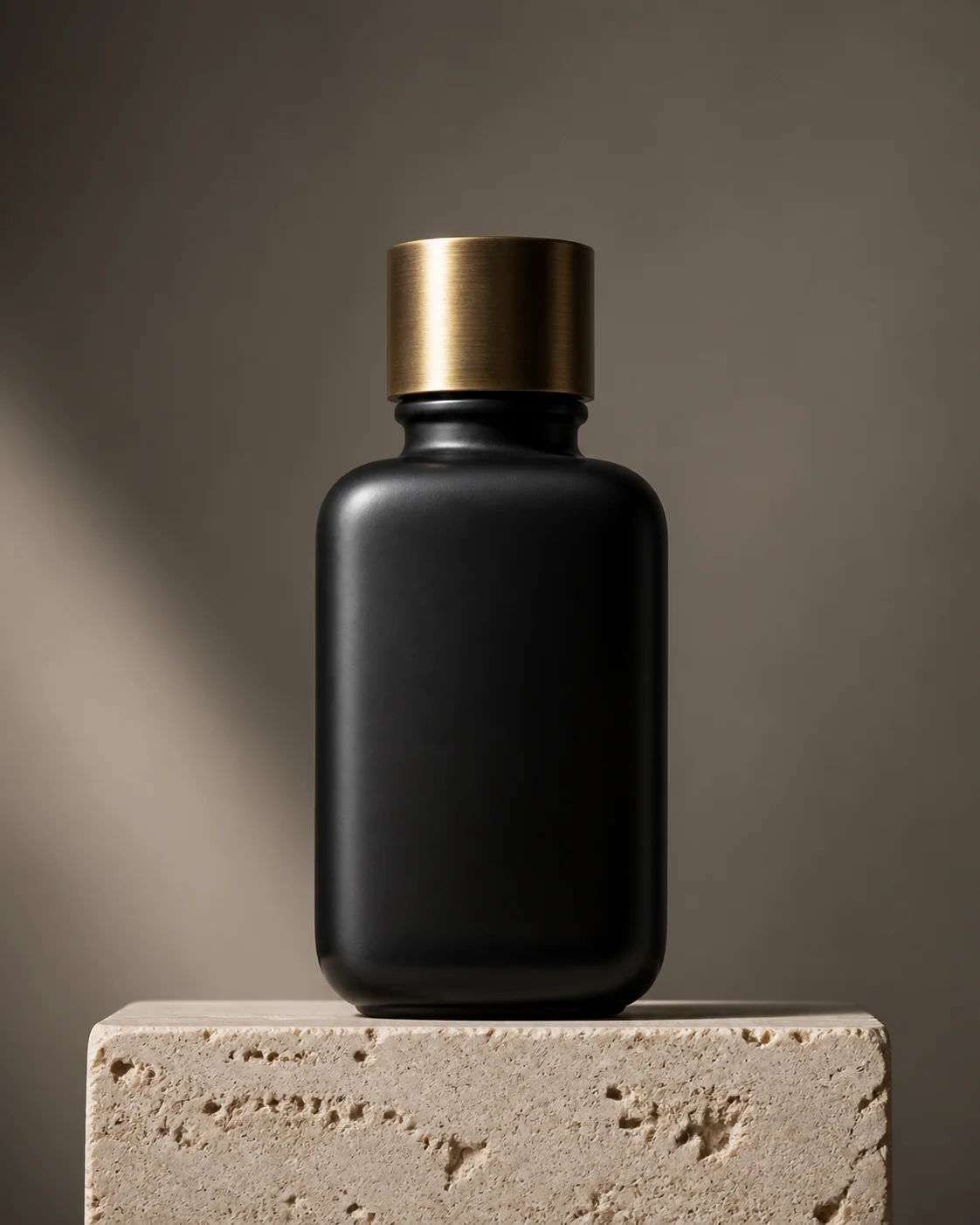
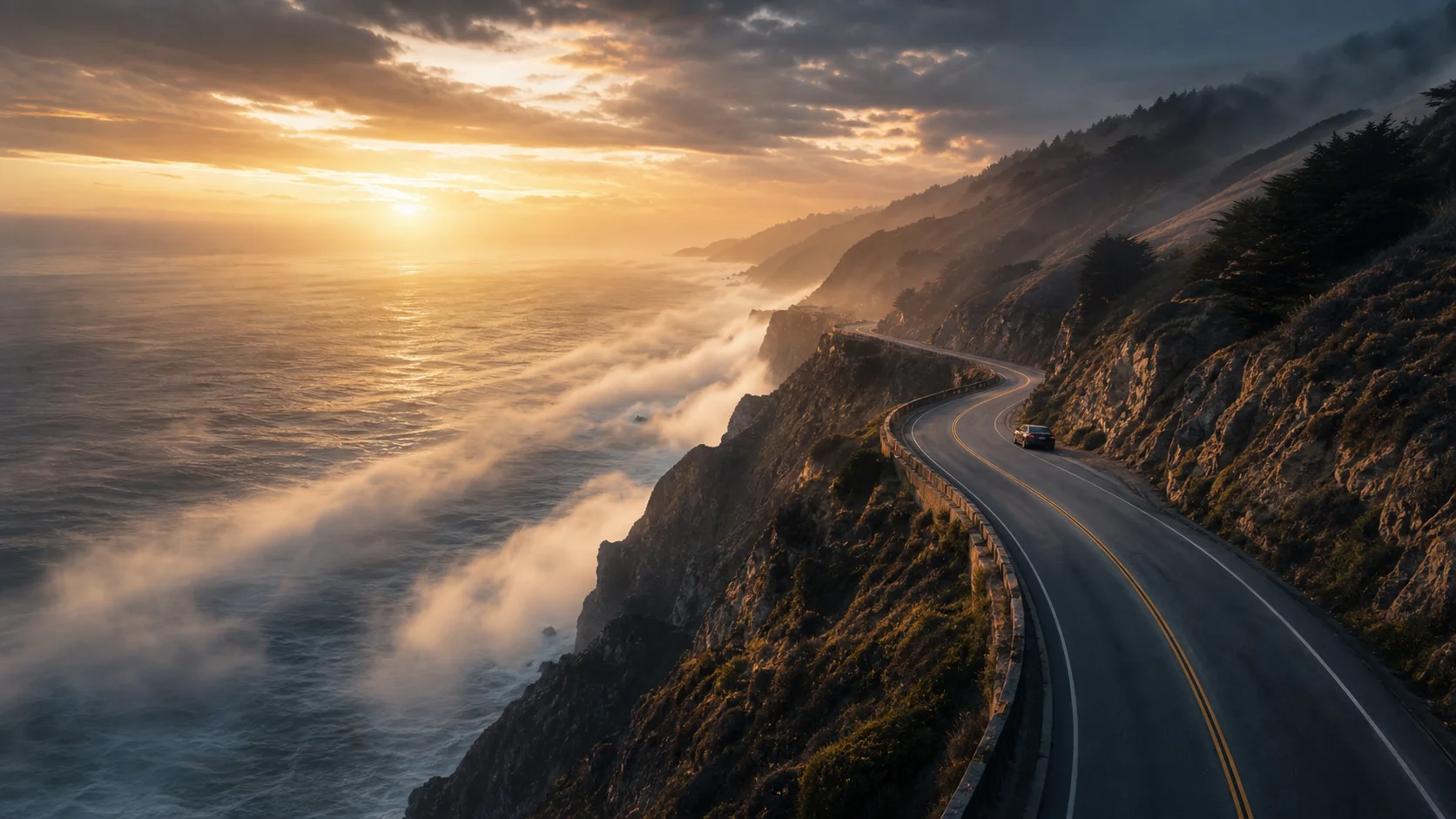
Flux 3 Dev reference renders
Each render below is paired with the exact prompt that produced it, which is the point of the page.

Specifications
Specifications and limits
| Feature | Detail |
|---|---|
| Input type | Text prompt |
| Supported aspect ratios | 1:1, 16:9, 3:2, 2:3 |
| Speed | About 2 to 5 seconds per render |
| Cost | Free, no credits required |
How it works
How to use Flux 3 Dev free
- 01
Establish a baseline prompt:
write one sentence in the recommended order and generate it. That render is what every later change is measured against.
- 02
Change one clause at a time:
swapping the lighting clause and the medium clause together tells you nothing about which one moved the output.
- 03
Sweep the aspect ratios:
the same prompt at 1:1 and 16:9 composes differently. Decide the ratio before you tune the wording.
- 04
Record what worked:
keep the prompt next to the render. Flux 3 output is consistent enough that a saved prompt is a reusable asset.
FAQ
Flux 3 Dev FAQ
It is the developer-facing description of the Flux 3 text-to-image foundation: prompt structure, native aspect ratios, reproducibility and known failure modes, all verifiable in the free generator on this page.
No. This site is an anonymous free tool. There is no account, no key and no dashboard — the generator on this page is the whole surface, and it is gated only by Turnstile.
Not byte-for-byte. The same prompt at the same ratio produces a consistent composition, palette and style, which is what pipelines usually need, but you should not depend on identical files across runs.
Yes. Every Flux 3 surface on this site is free, anonymous and free of credits. Nothing described on this page sits behind a paywall.
Keep exploring
Where Flux 3 Dev fits
Flux 3 Dev is the reference layer under the rest of the family. Read the Flux 3 Image page for what the base model produces, the Flux 3 Edit page for the second real step, and treat the Flux 3 Video and Flux 3 Audio pages as clearly labelled preview layers.
Generate with Flux 3 free
No sign-up, no credits, no waitlist. Write a prompt and Flux 3 renders it in seconds.