Flux 3 Edit Model
Flux 3 Edit is the image-to-image half of Flux 3 — it changes a render instead of inventing one.
Free generator
Generate a base image with Flux 3 first
Flux 3 Edit always starts from a real render. Make one here, then describe the change you want.
Free and anonymous. Verified by Turnstile — no account needed.
Capabilities
What Flux 3 Edit excels at
Flux 3 Edit is the model you reach for once Flux 3 Image has given you something to work with. It reads an existing render together with an instruction and produces a variation that keeps the composition while changing what you asked it to change: the time of day, the medium, the palette, a single object in the frame. Because it is anchored to a real image rather than to a blank canvas, it drifts far less than a re-roll of the original prompt.
The practical loop is short. Generate with Flux 3 Image in the tool below, look at what came back, then describe the one thing you want different. Flux 3 Edit is free here too, with no sign-up and no credits.
Whole-image restyling:
move a photograph into watercolour, an illustration into 3D, or a daylight scene into night without losing the framing you liked.
Localised changes:
swap one object, change a colour, remove a distraction. The rest of the frame stays where the Flux 3 Image render put it.
Controlled variations:
produce a set of near-identical alternates for a layout review instead of five unrelated images.
Composition preservation:
the spatial arrangement, camera angle and subject scale survive the edit, which is the whole reason to edit rather than re-prompt.
Samples
Flux 3 Edit samples
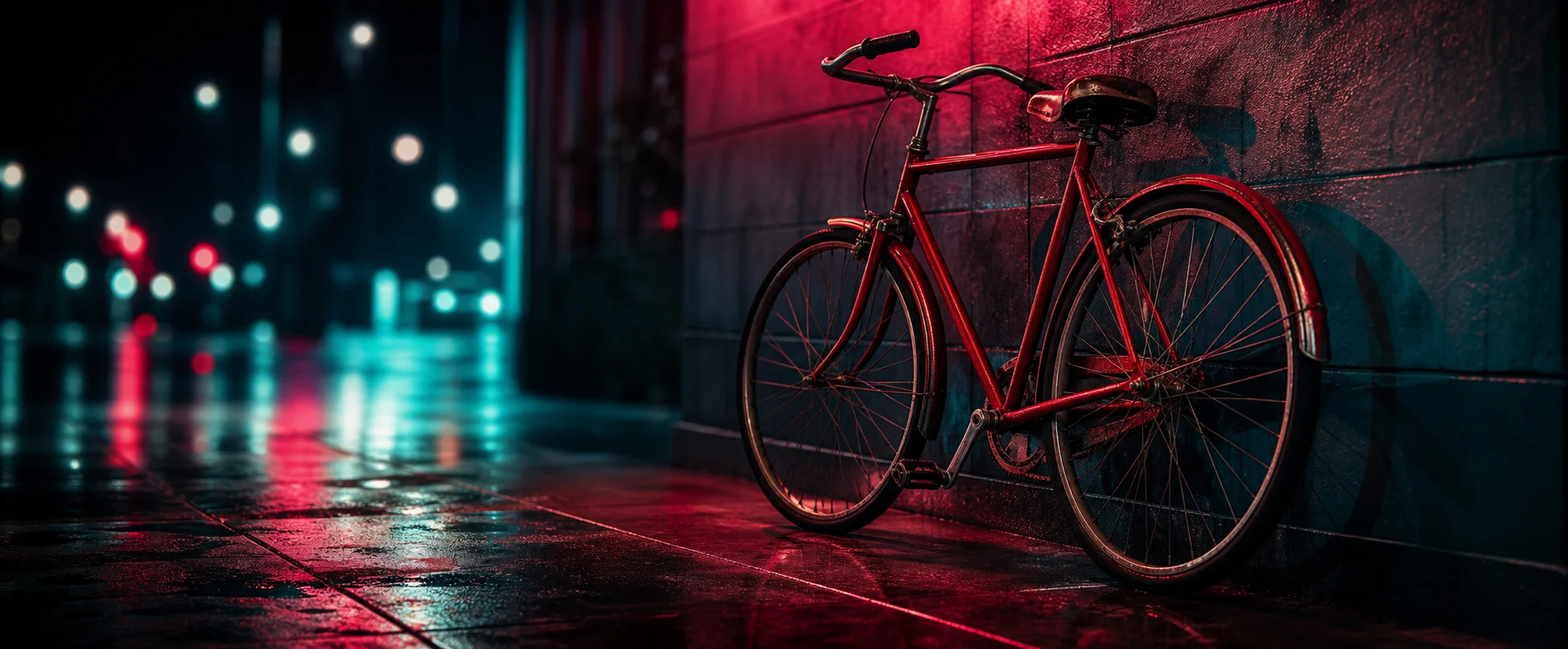
These renders came from Flux 3 Image and are the kind of input Flux 3 Edit takes as its starting frame.


Specifications
Specifications and limits
| Feature | Detail |
|---|---|
| Input type | Generated image plus a text instruction |
| Supported aspect ratios | Inherited from the source render |
| Speed | About 3 to 6 seconds per edit |
| Cost | Free, no credits required |
How it works
How to use Flux 3 Edit free
- 01
Generate a base image:
use the Flux 3 generator on this page. Flux 3 Edit needs a real render to work from and never starts from an empty frame.
- 02
Choose what to change:
pick one attribute — the lighting, the medium, one object. Single-attribute instructions land far more reliably than a rewritten prompt.
- 03
Write the instruction:
say what should change and what should stay. Naming what to preserve is the part most people skip.
- 04
Compare and download:
keep the version you prefer and save it at full resolution. There is no watermark and no account step.
FAQ
Flux 3 Edit FAQ
Yes. Flux 3 Edit is free and anonymous on this site, like every other Flux 3 surface here. Turnstile is the only gate, and there are no credits to buy or run out of.
The workflow here is seeded from a render Flux 3 produced in the generator above. Start by generating an image from a prompt, then edit that. This keeps the pipeline anonymous and keeps nothing of yours on our side.
Flux 3 Image builds a picture from a sentence. Flux 3 Edit takes a finished picture plus an instruction and returns a modified version of it, preserving the composition rather than inventing a new one.
Yes. Edited renders carry the same terms as anything else generated here: no watermark, no royalty and no restriction on commercial use.
Keep exploring
Where Flux 3 Edit fits
Flux 3 Edit is the second step, never the first. It pairs with Flux 3 Image on one side and, if you want to see a still move, with the Flux 3 Video preview layer on the other. Read the Flux 3 Image page for what the base model can do before you plan an editing pass.
Generate with Flux 3 free
No sign-up, no credits, no waitlist. Write a prompt and Flux 3 renders it in seconds.